Playbooks
Choose a guided AI playbook for page makeovers, landing pages, product page content, new sections, audits and more. Maker will ask what it needs and create the result with you.
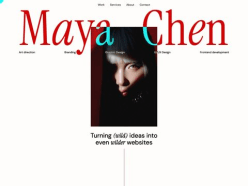










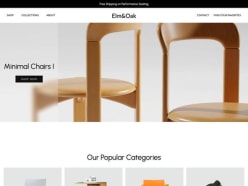












Featured
Where most teams start.
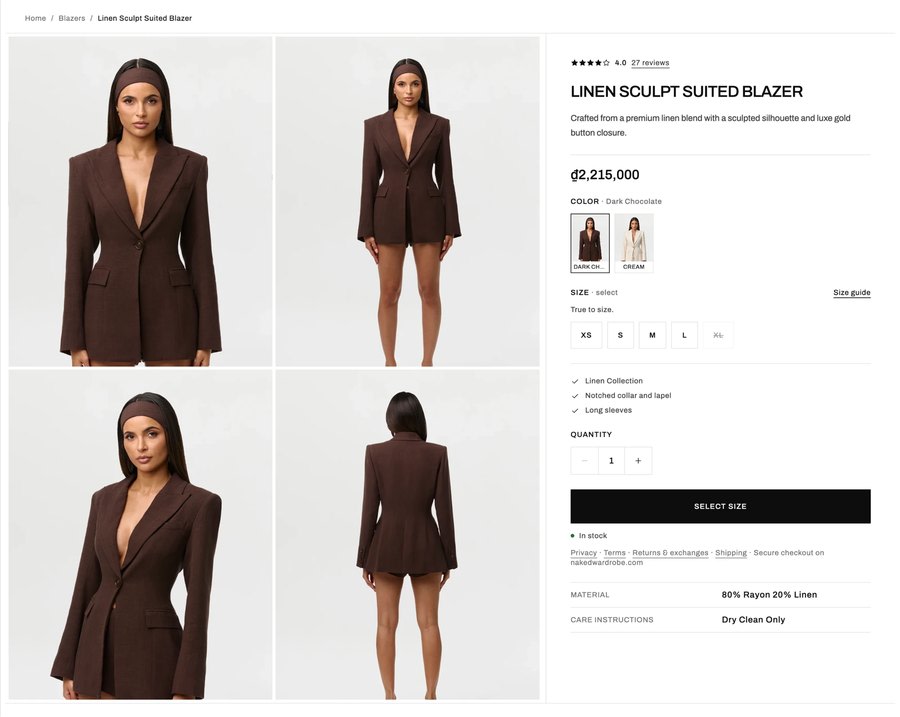
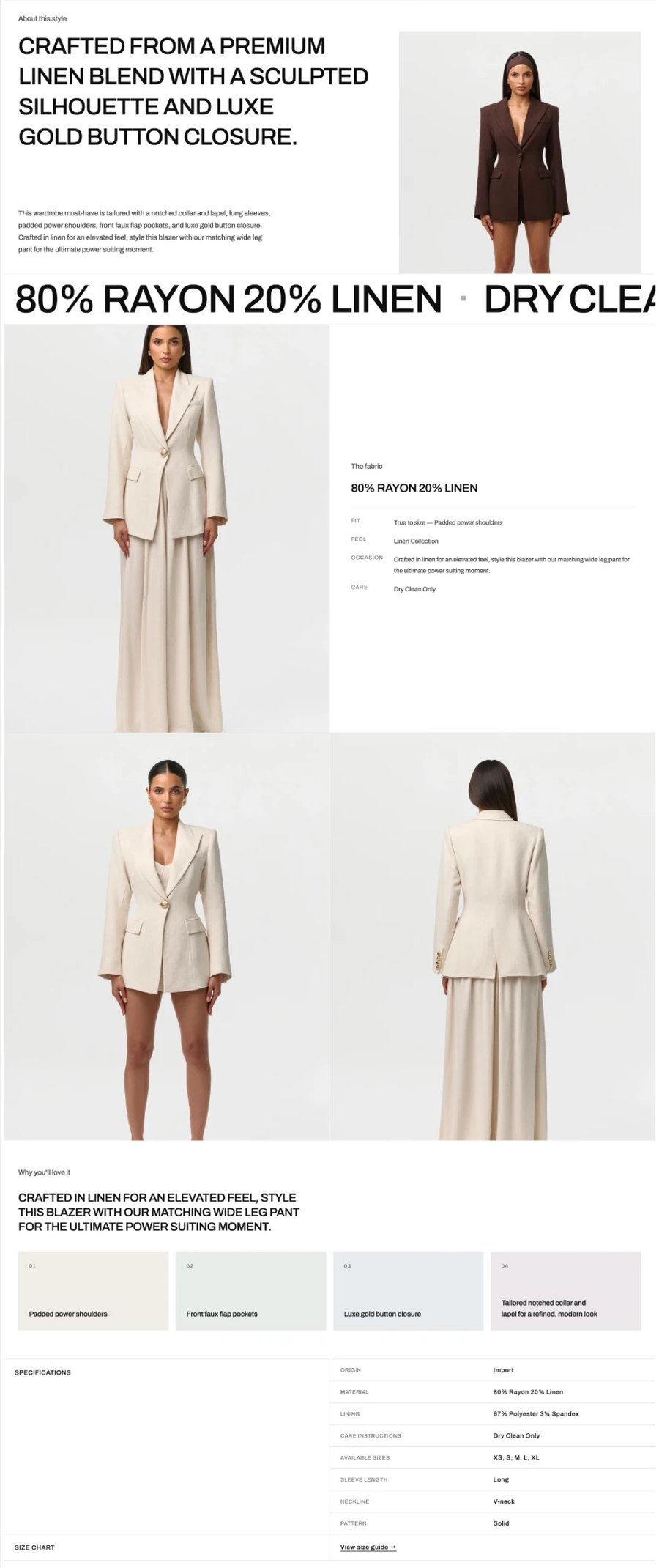



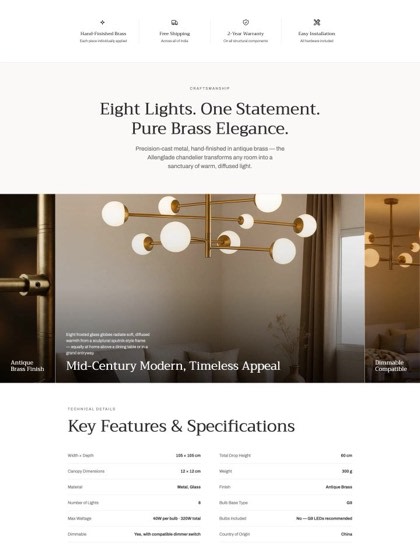


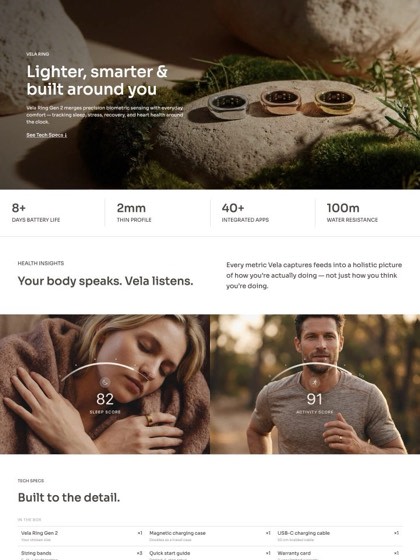


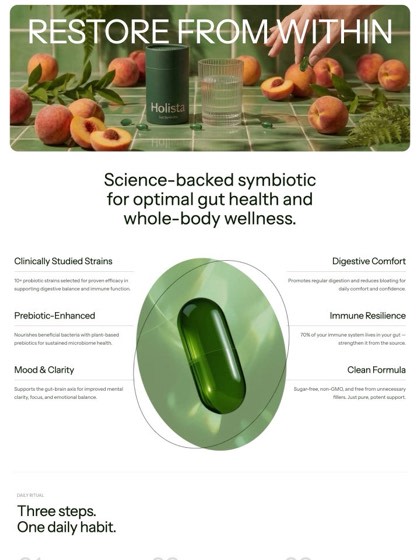




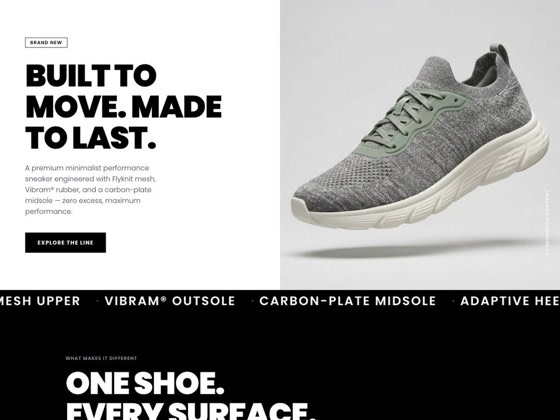


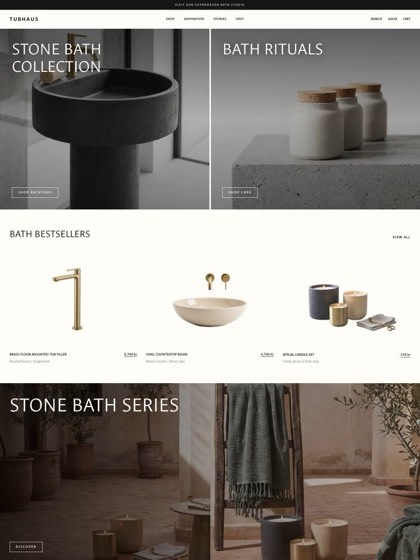
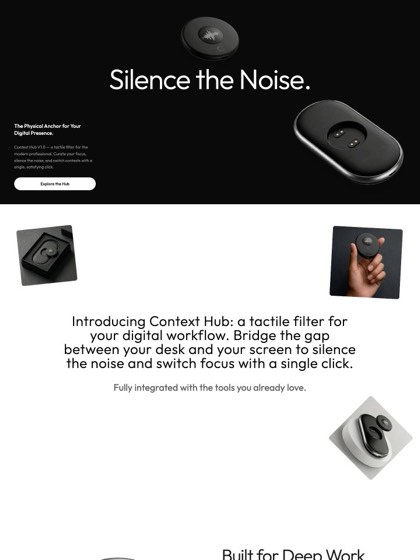

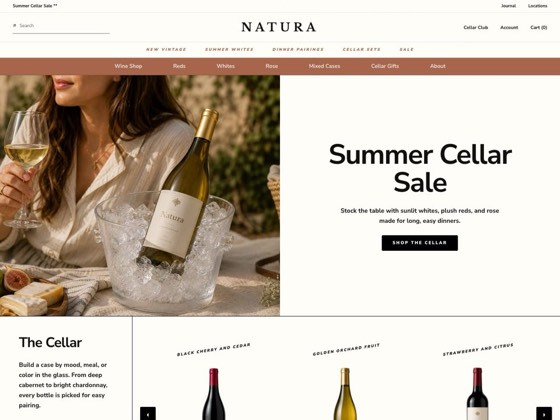




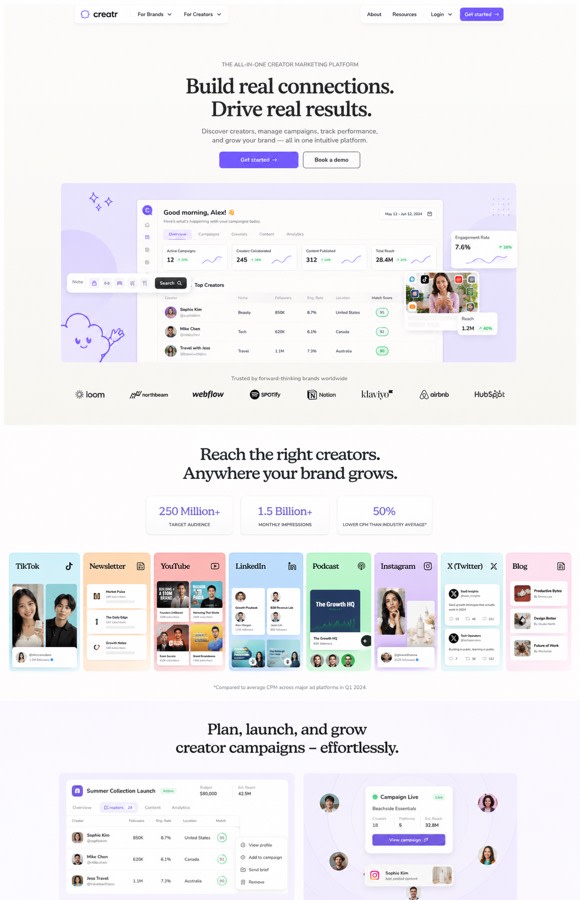
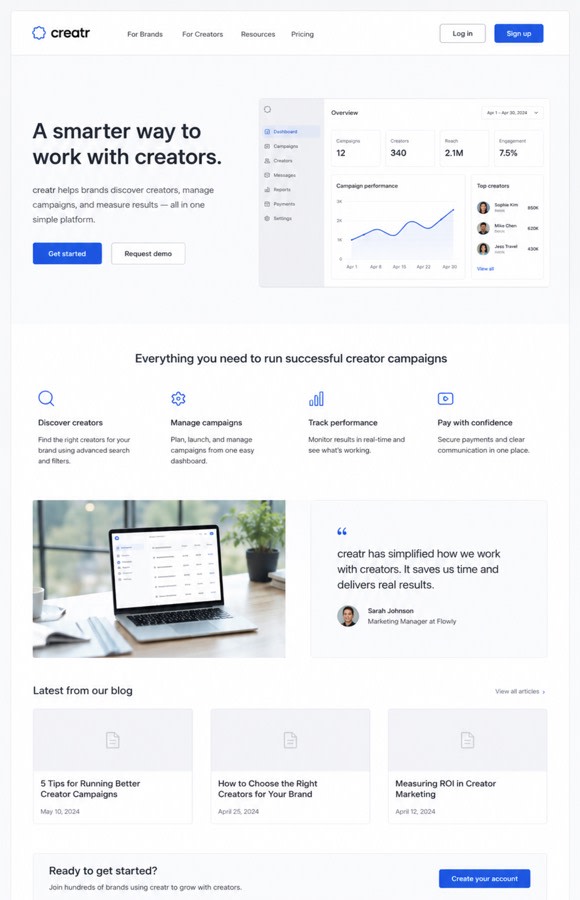

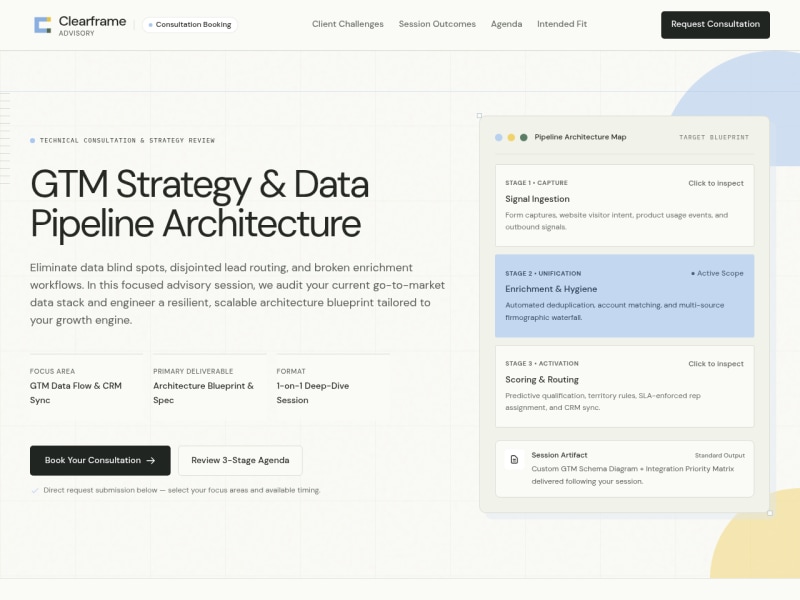
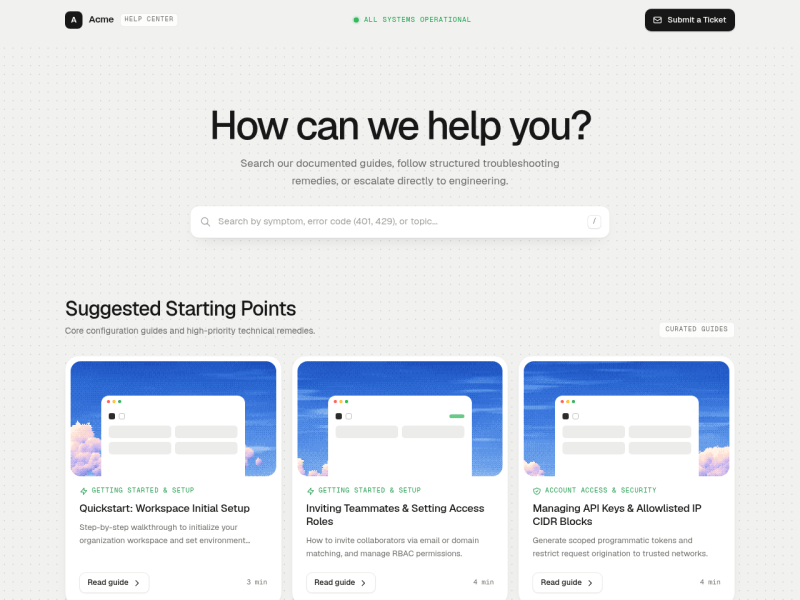


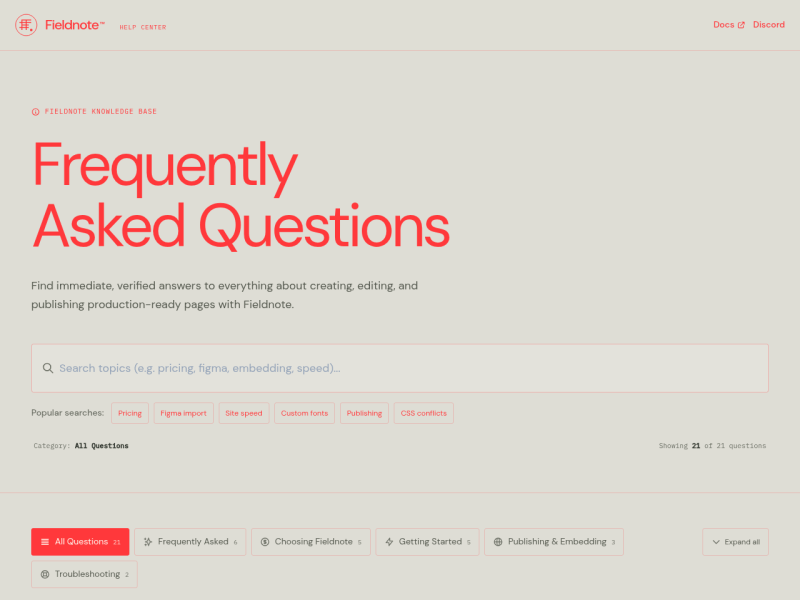




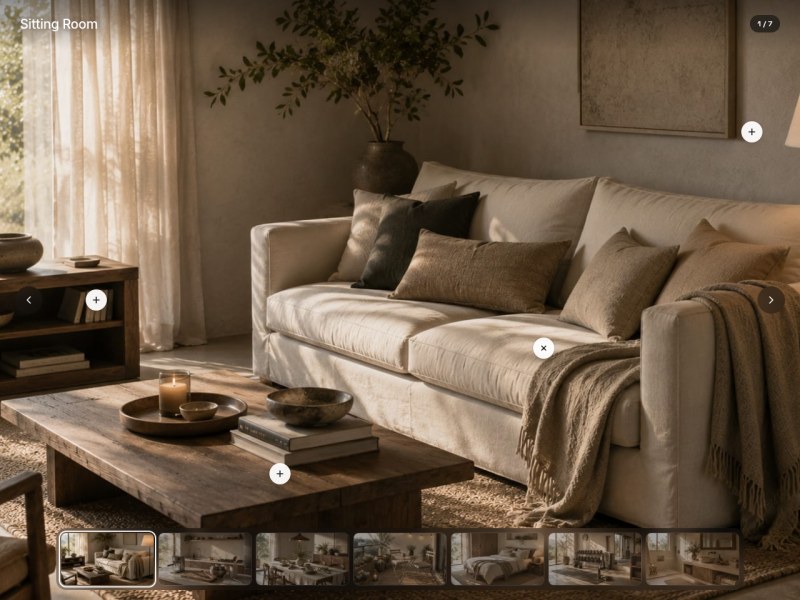





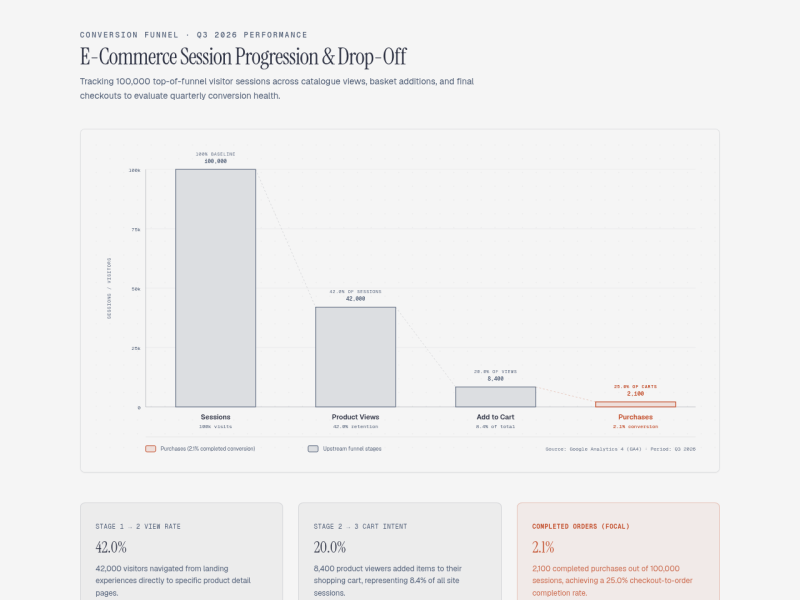


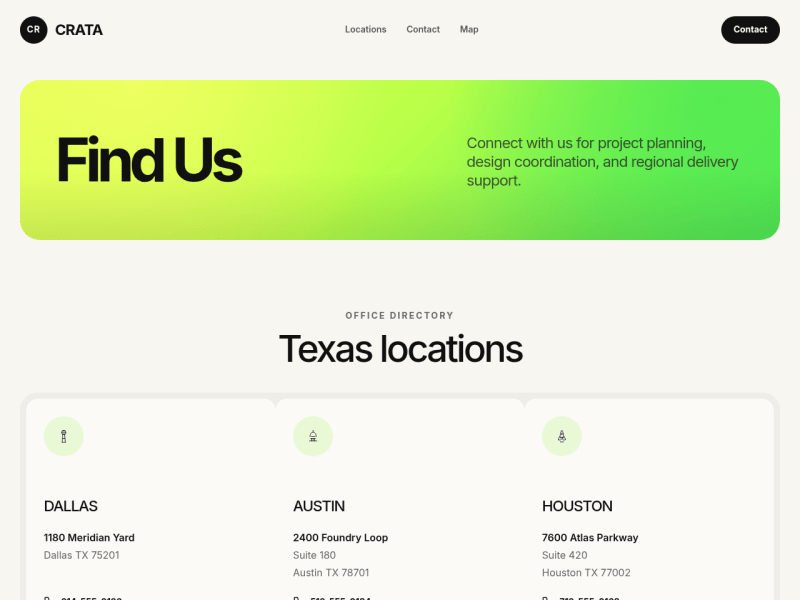

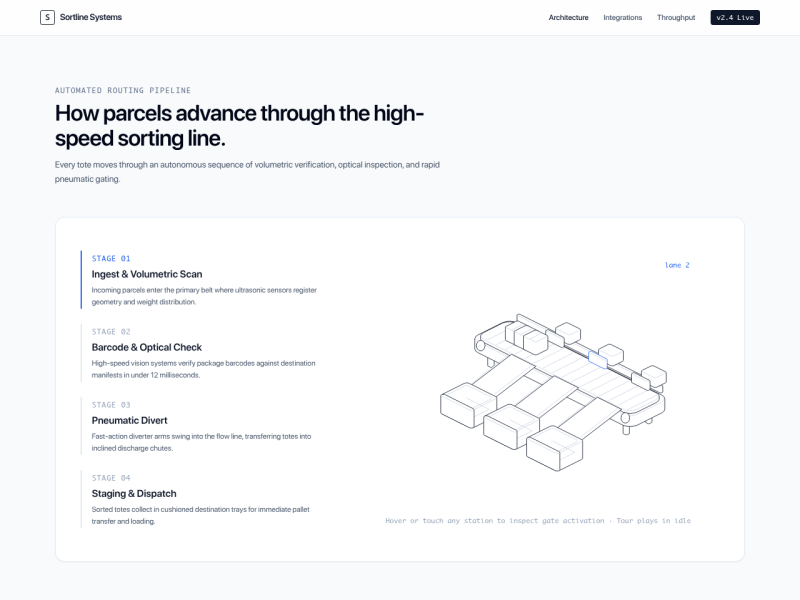


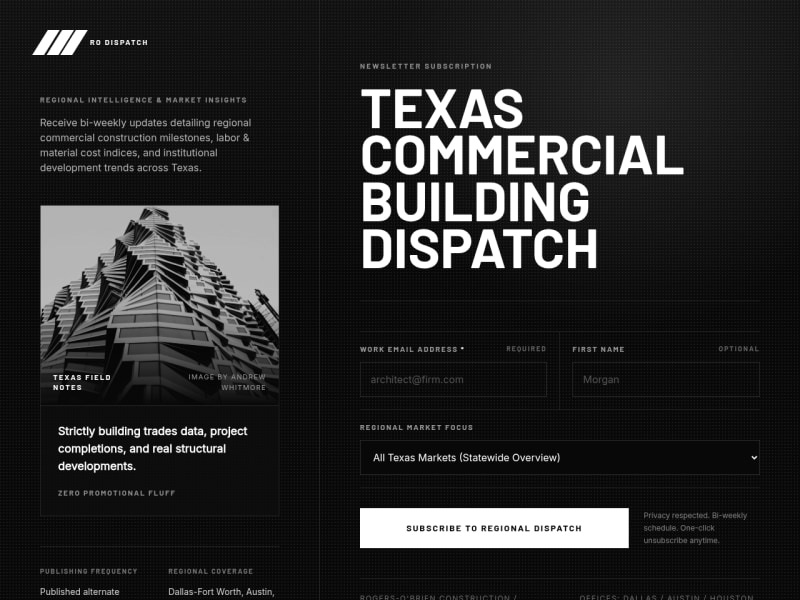


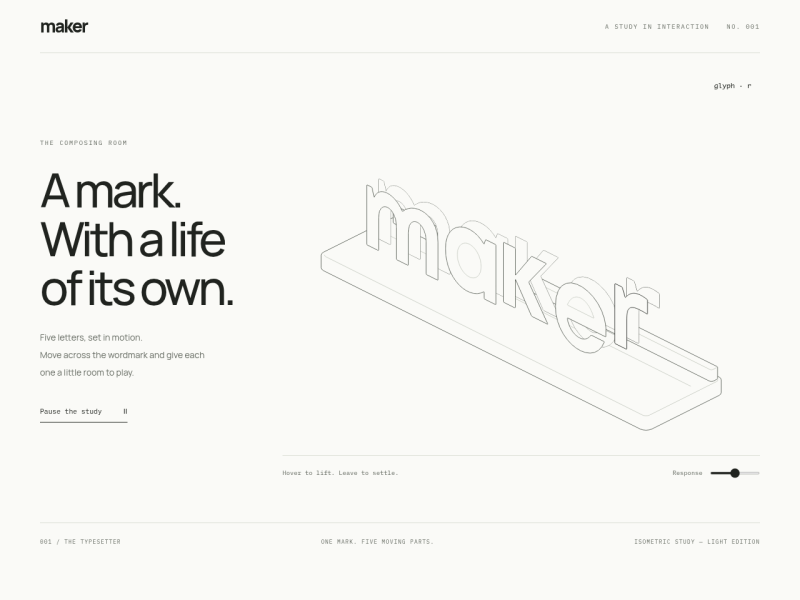

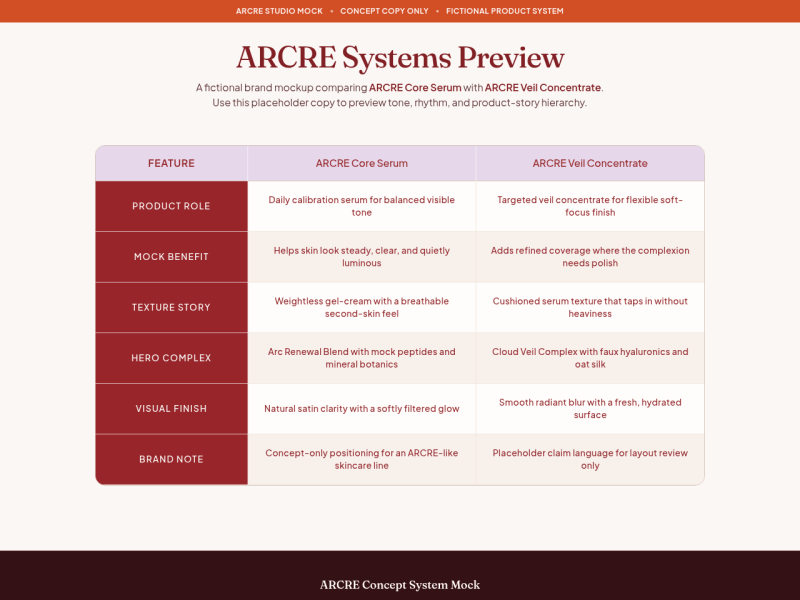





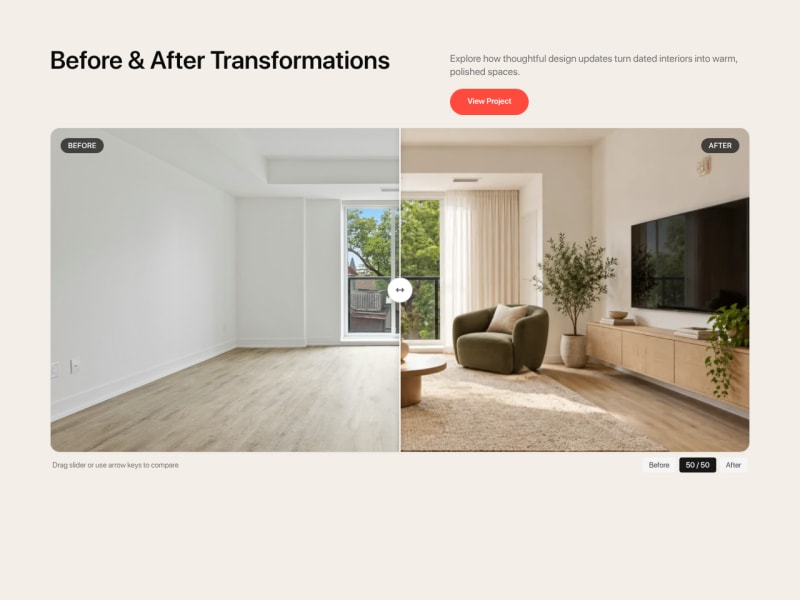



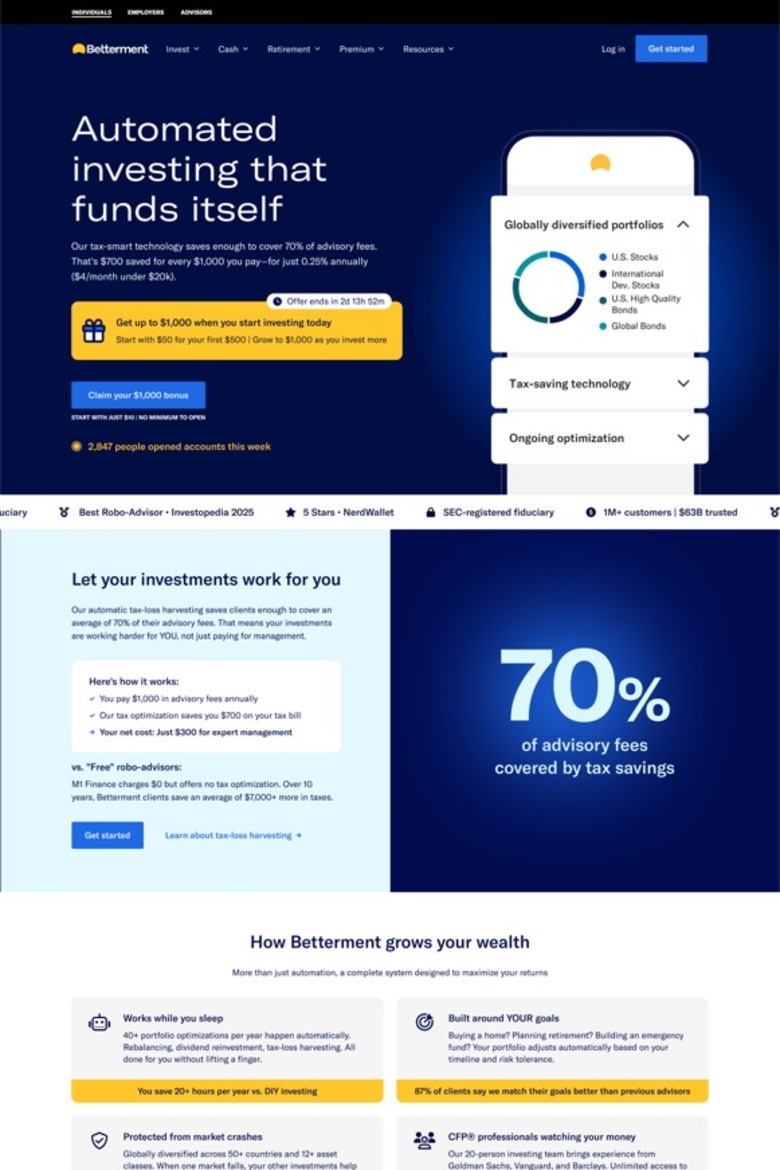

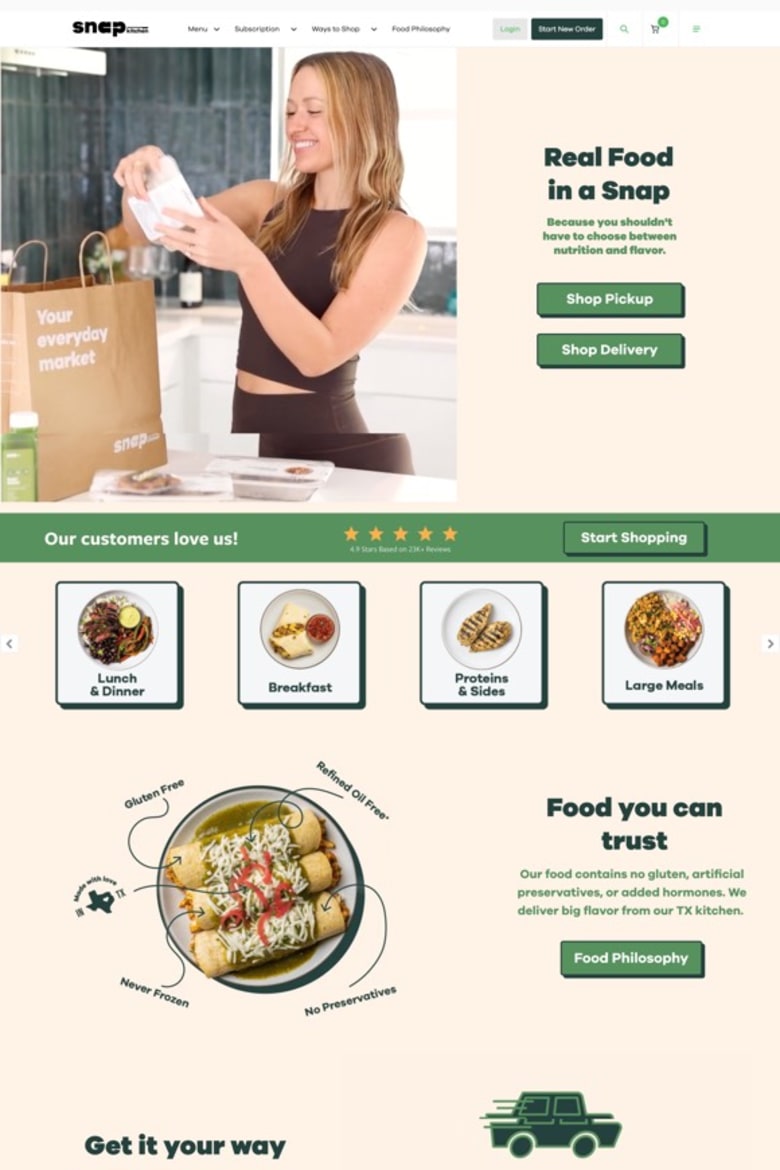


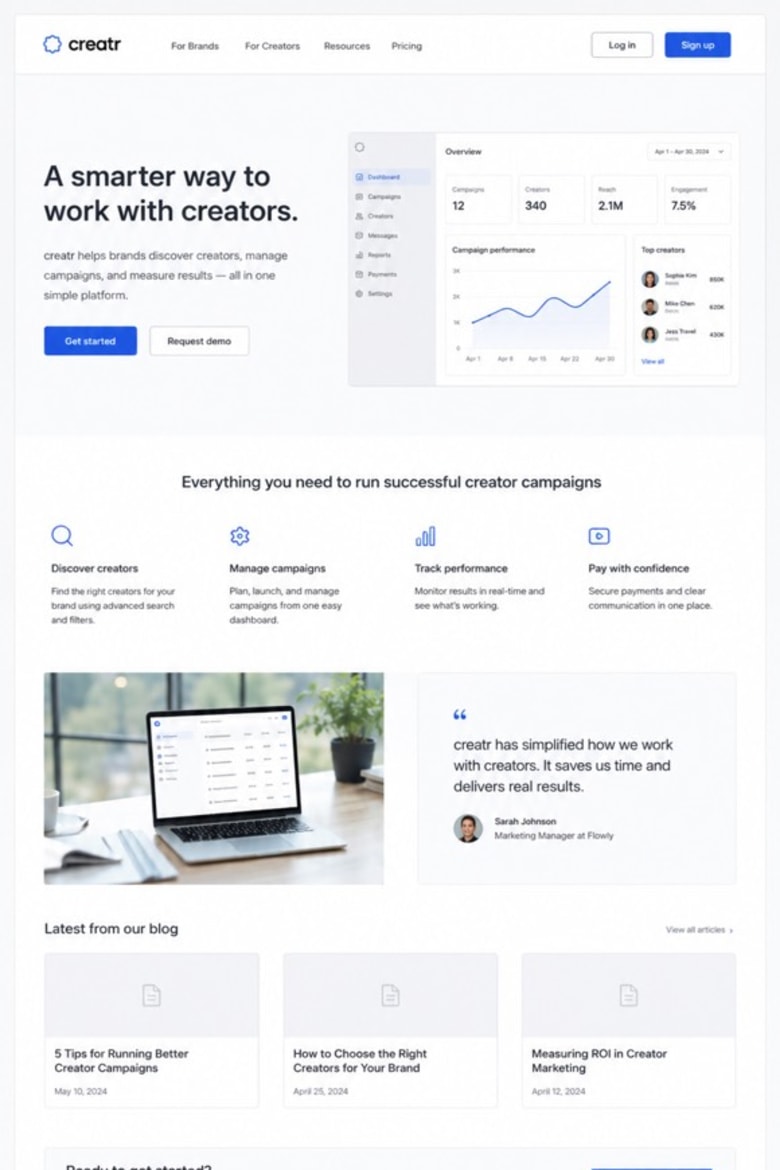

















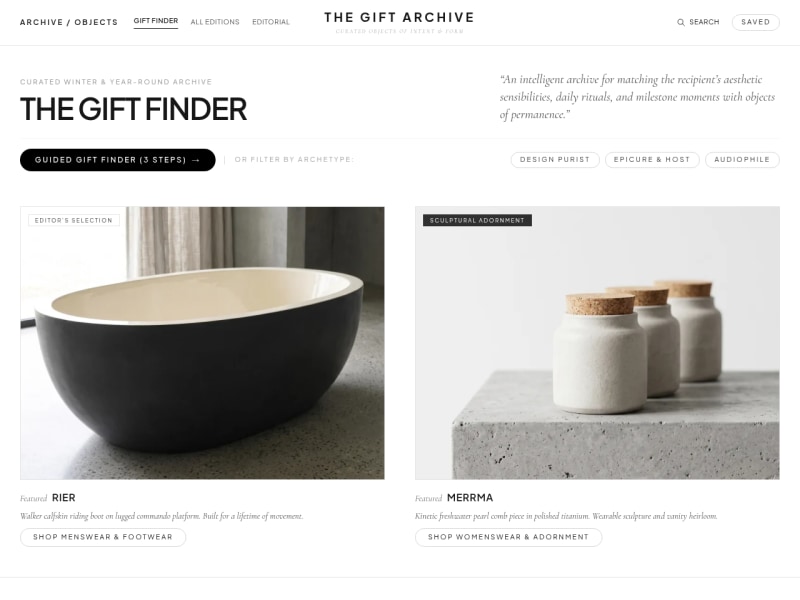
Image generation
On-brand product shots, campaigns and scenes, without a shoot.
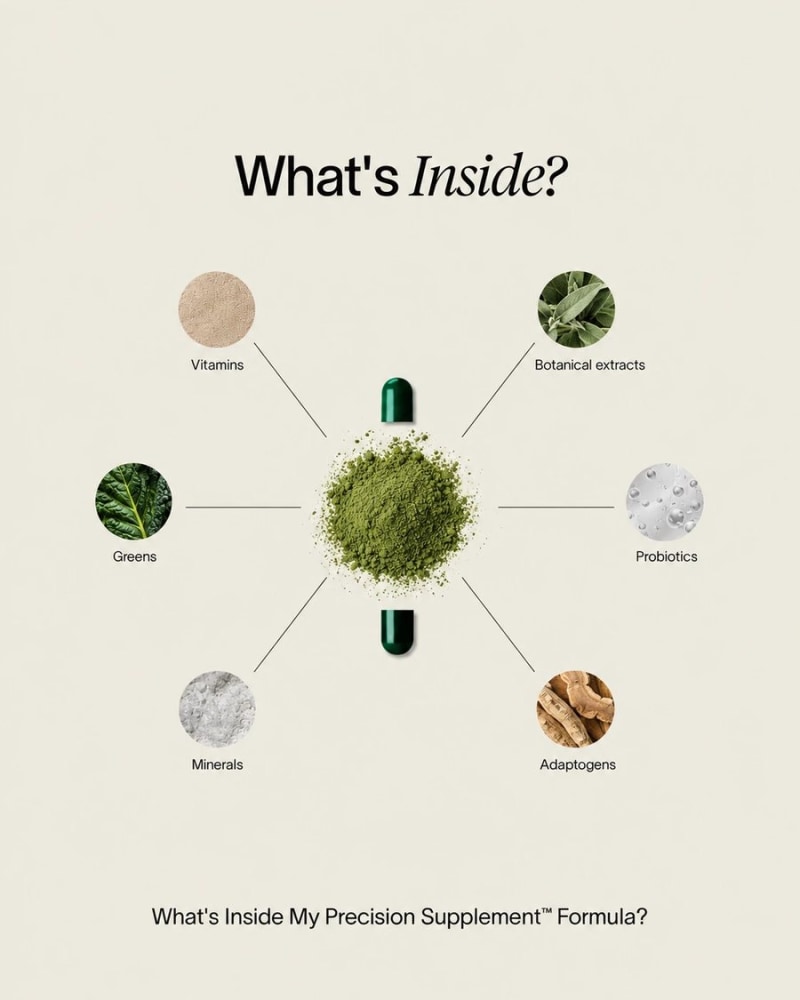













 Image generation
 Image generation
 Image generation
 Image generation
 Image generation
 Image generation
 Image generation
 Image generation
 Image generation
 Image generationImage generationImage generation
 Image generation
 Image generationImage generation
More playbooks
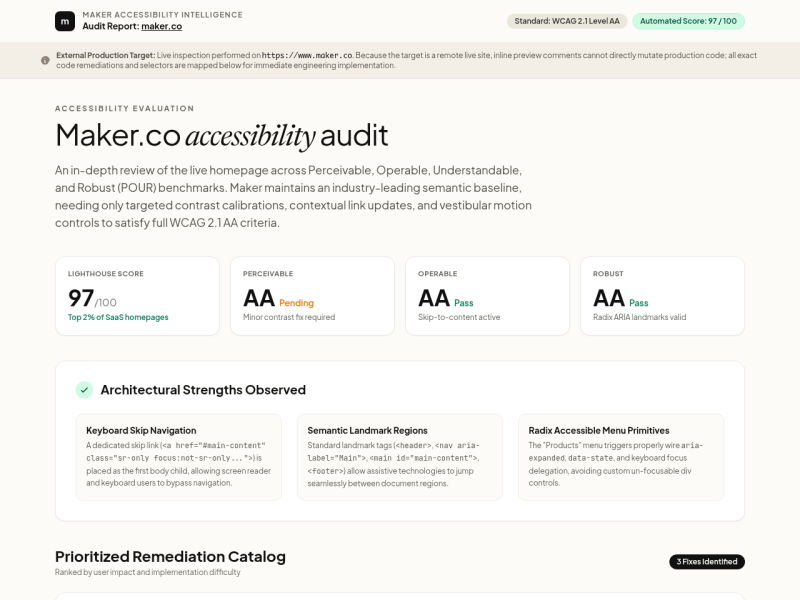
Audits, walkthroughs and visual design.

Frequently asked questions
What is a playbook?
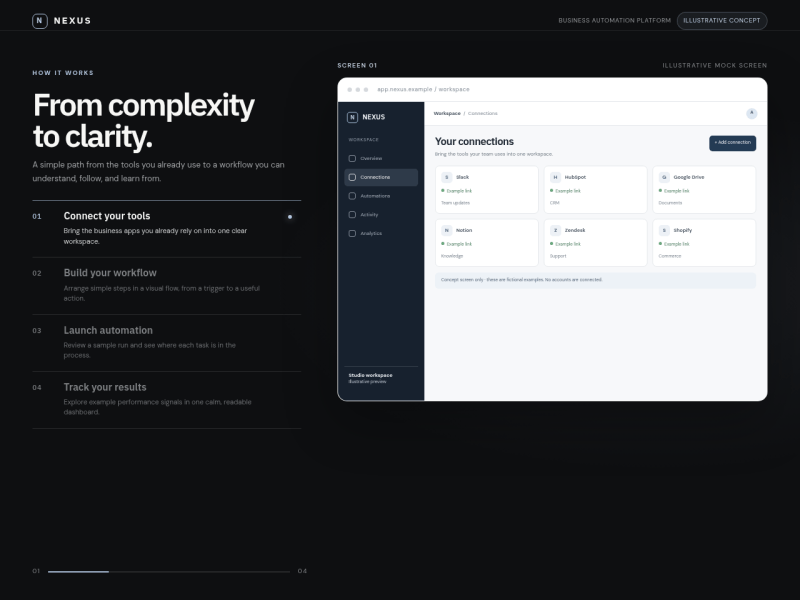
A playbook is a guided AI workflow for one website job — making over a page, building a landing page, running an SEO audit. Instead of writing a prompt from scratch, you pick a playbook and Maker works through it with you, step by step.
How is a playbook different from a template?
A template is a finished design you start from. A playbook is a process: it gathers what it needs (your URL, content, goals) and then builds or changes things for your site, so the result is made around your content rather than copied from a layout.
Do I need to write prompts?
No. Each playbook already knows what to do at each step. Maker asks only for what’s missing — like a page URL or product details — and pauses for you when it needs a decision.
What happens when I start a playbook?
Maker creates a new project and begins the first step in a conversation. You can watch it work, answer its questions, and steer it along the way, like any other Maker project.
Can I change the result afterwards?
Yes. A playbook ends in a normal Maker project, so you can keep editing it in chat, go back to an earlier version, or publish it to your site.
Does running a playbook cost anything?
Playbooks use your plan’s credits like any other Maker work.
What if there’s no playbook for what I need?
Search the catalog for what you want to do. If nothing fits and you can edit a Maker workspace, Maker can suggest new playbooks for your search. Or just describe the task to Maker directly.