Videos
 1:54
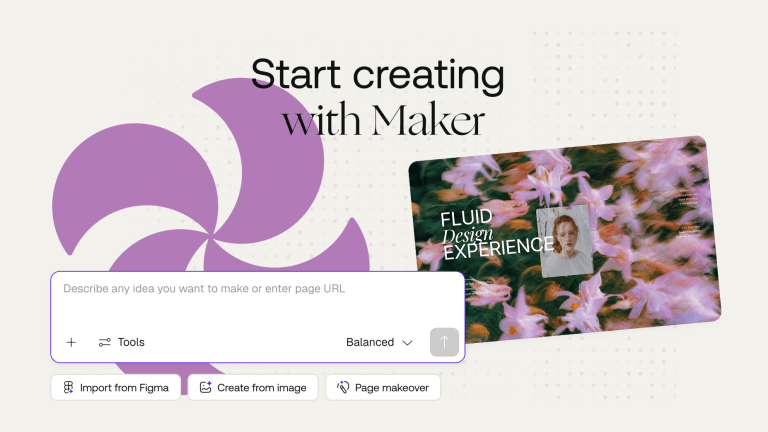
1:54Start creating with Maker
Learn how to start a project, describe your idea, and generate your first experience with Maker.
 1:23
1:23Build faster with Inspiration
Discover how to explore ready-made use cases and prompts to start your next project faster.
 1:16
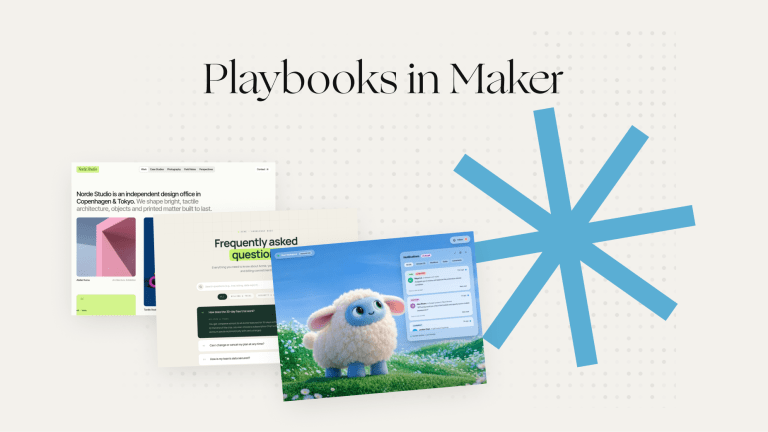
1:16Build with Playbooks
Explore ready-to-use Playbooks with tested prompts and guided steps to create projects faster in Maker.
 0:34
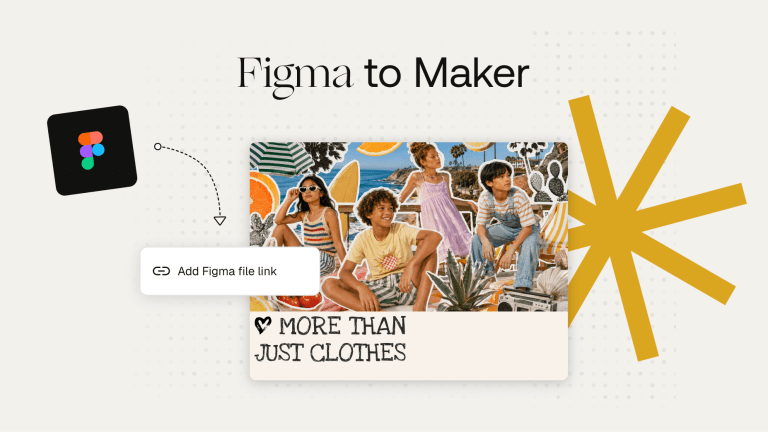
0:34Import from Figma
Learn how to import Figma frames and turn your designs into responsive projects in Maker.
 1:25
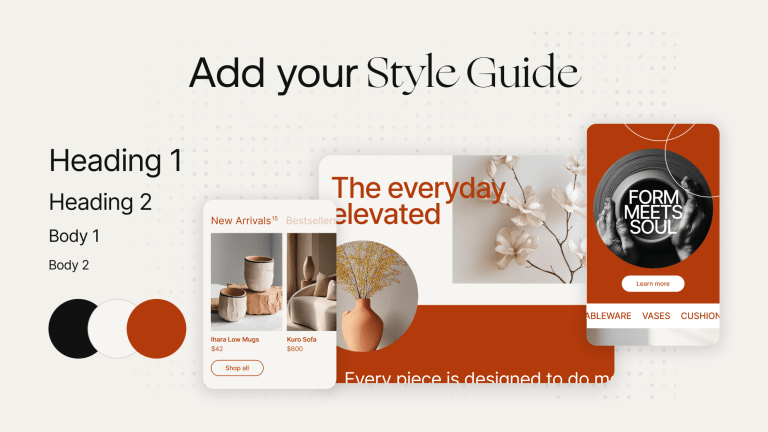
1:25Add a style guide
Learn to create a Style Guide and keep your brand consistent across different projects.
 1:08
1:08Use the Design Panel
Learn how to adjust layouts, typography, colors, spacing, and other styles directly in the preview.
 1:02
1:02Select elements
Learn to select individual elements and make focused changes using prompts or the Design Panel.
 2:06
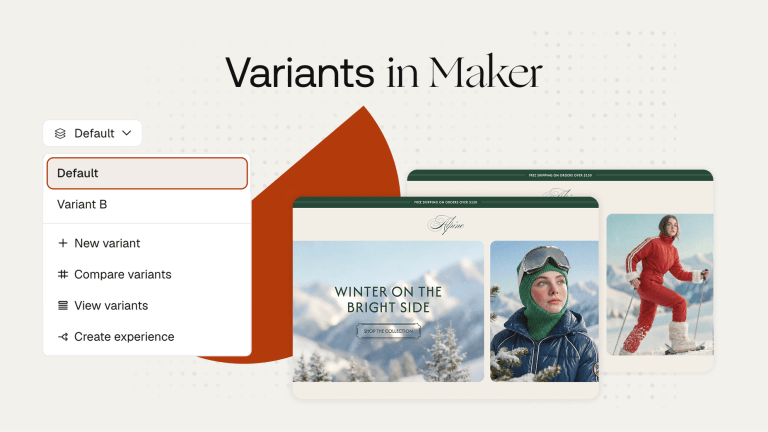
2:06Create and manage variants
Learn how to create Variants and manage different experiences from one project.
 1:27
1:27Use Chat Mode
Discover how to ask questions, explore ideas, and clarify changes before updating your project.
 1:19
1:19Generate images and videos
Learn to generate and edit images and videos directly inside your Maker projects.
 1:17
1:17Create and use components
Learn how to create reusable components and use them consistently across projects.
 0:58
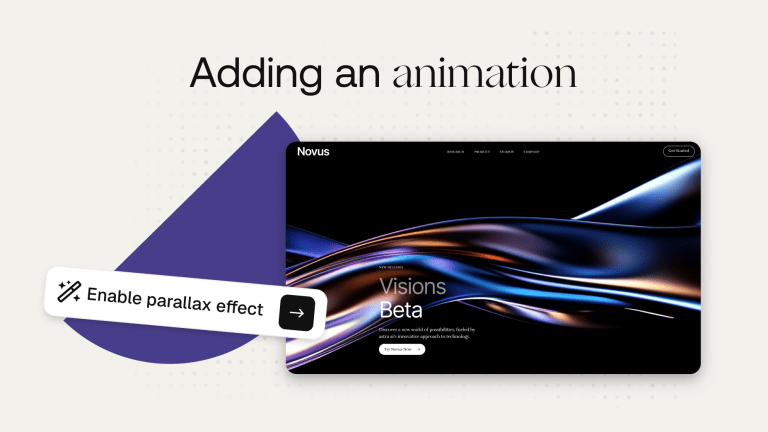
0:58Add animations
Learn to add animations and interactions that make your project more dynamic and engaging.
 1:14
1:14Connect external tools
Discover how to connect external tools and bring content, data, and media directly into Maker.
 1:20
1:20Create design mocks
Learn how to generate multiple design directions and explore visual concepts before building your project.
 1:21
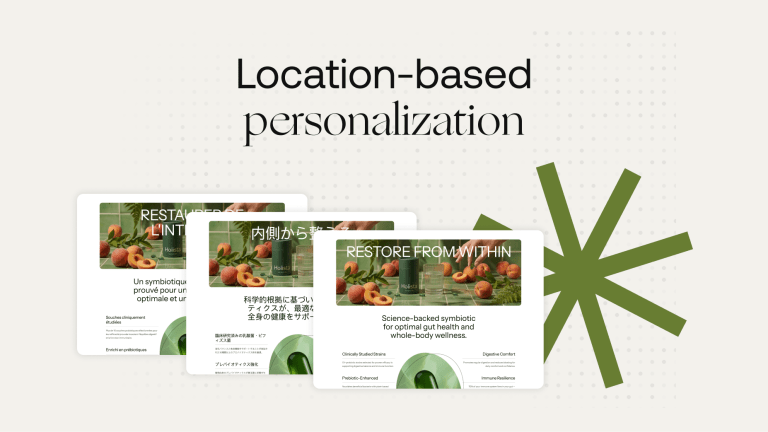
1:21Personalize content by location
Learn to personalize content by location and show relevant experiences to different audiences.
 1:24
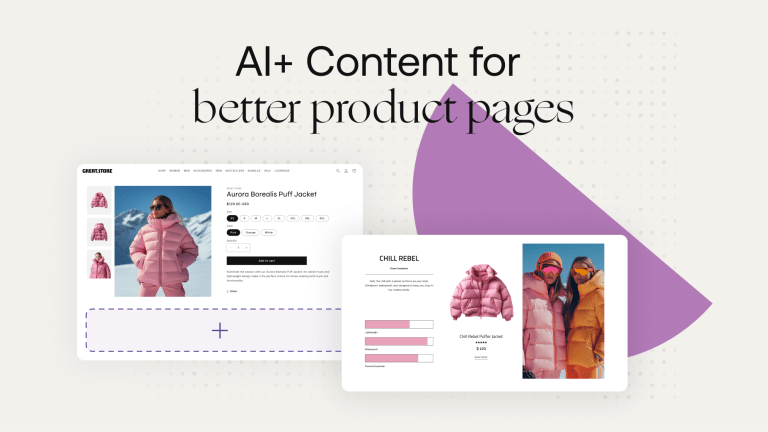
1:24Create with AI+ Content
Discover how to generate enhanced, on-brand product content from an existing product page.
 1:02
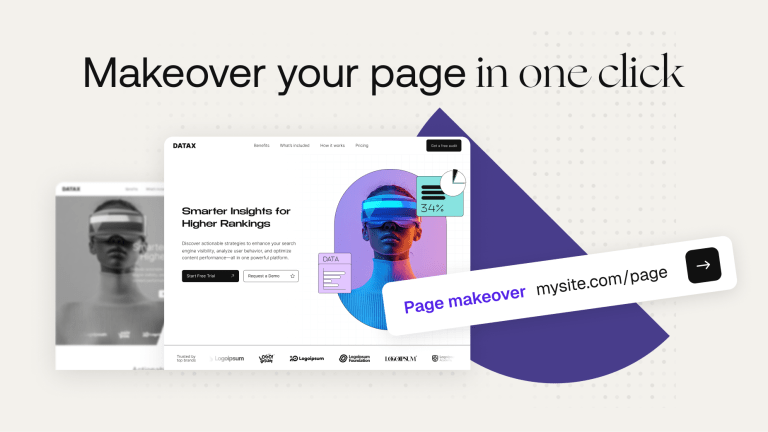
1:02Give a project a makeover
Learn how to instantly redesign an existing page and explore a fresh visual direction.
 1:12
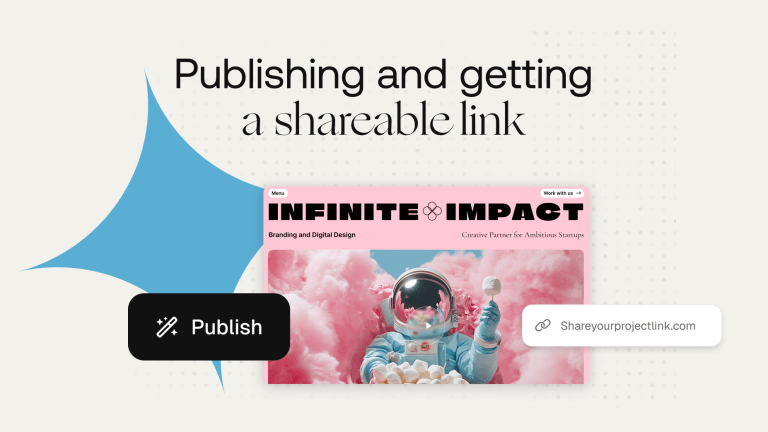
1:12Publish and share a project
Learn to publish your project and create a shareable link for others to view.
 0:54
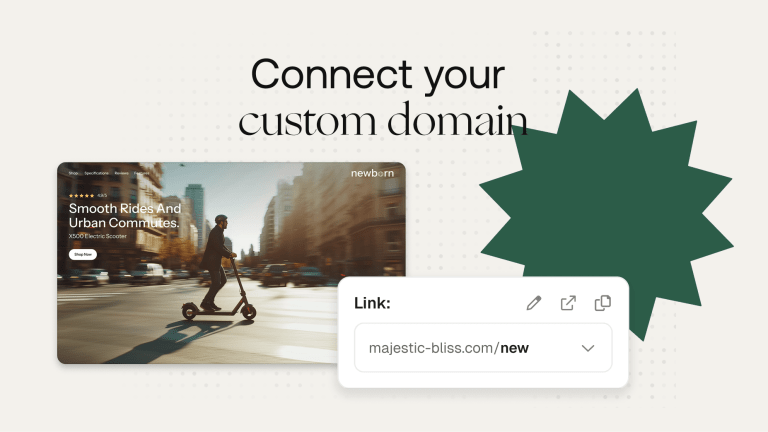
0:54Connect a custom domain
Learn how to connect a custom domain and publish your Maker project on your own URL.
 0:46
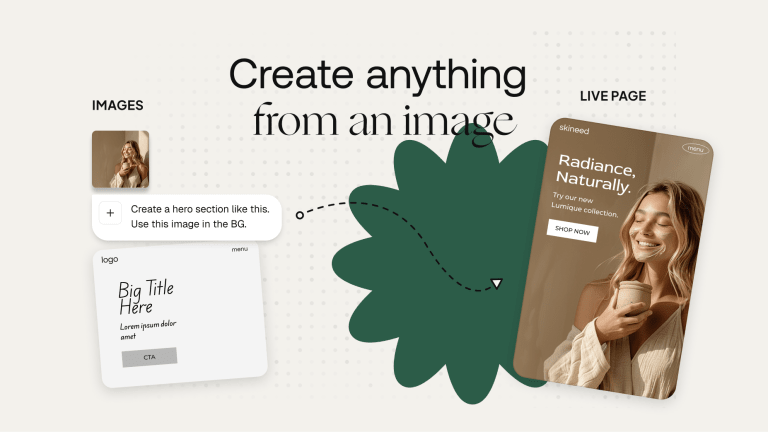
0:46Create a project from an image
Discover how to turn a reference image into an editable, responsive project in Maker.
 0:59
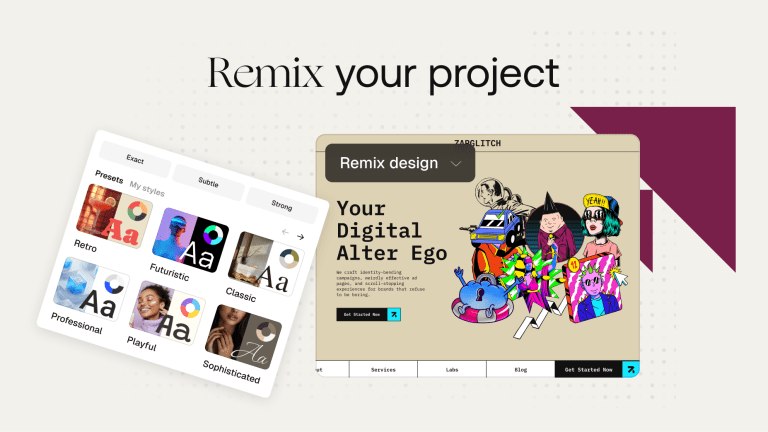
0:59Remix a project
Learn to copy and customize an existing project without changing the original version.
 1:01
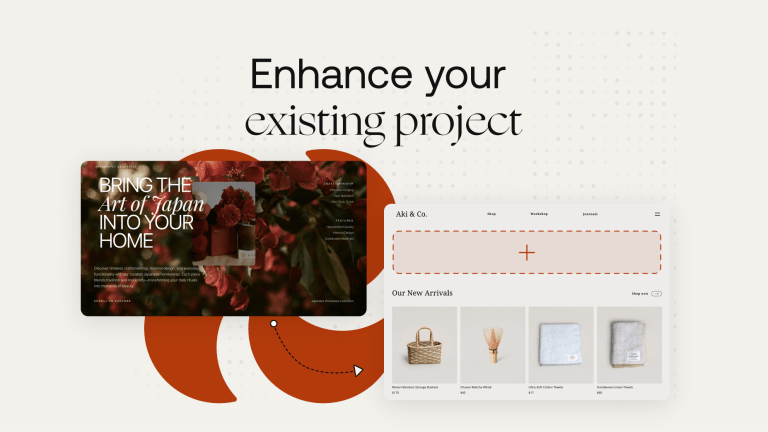
1:01Enhance an existing project
Discover how to add Maker content to an existing page and control where it appears.