Turn a project into a case study
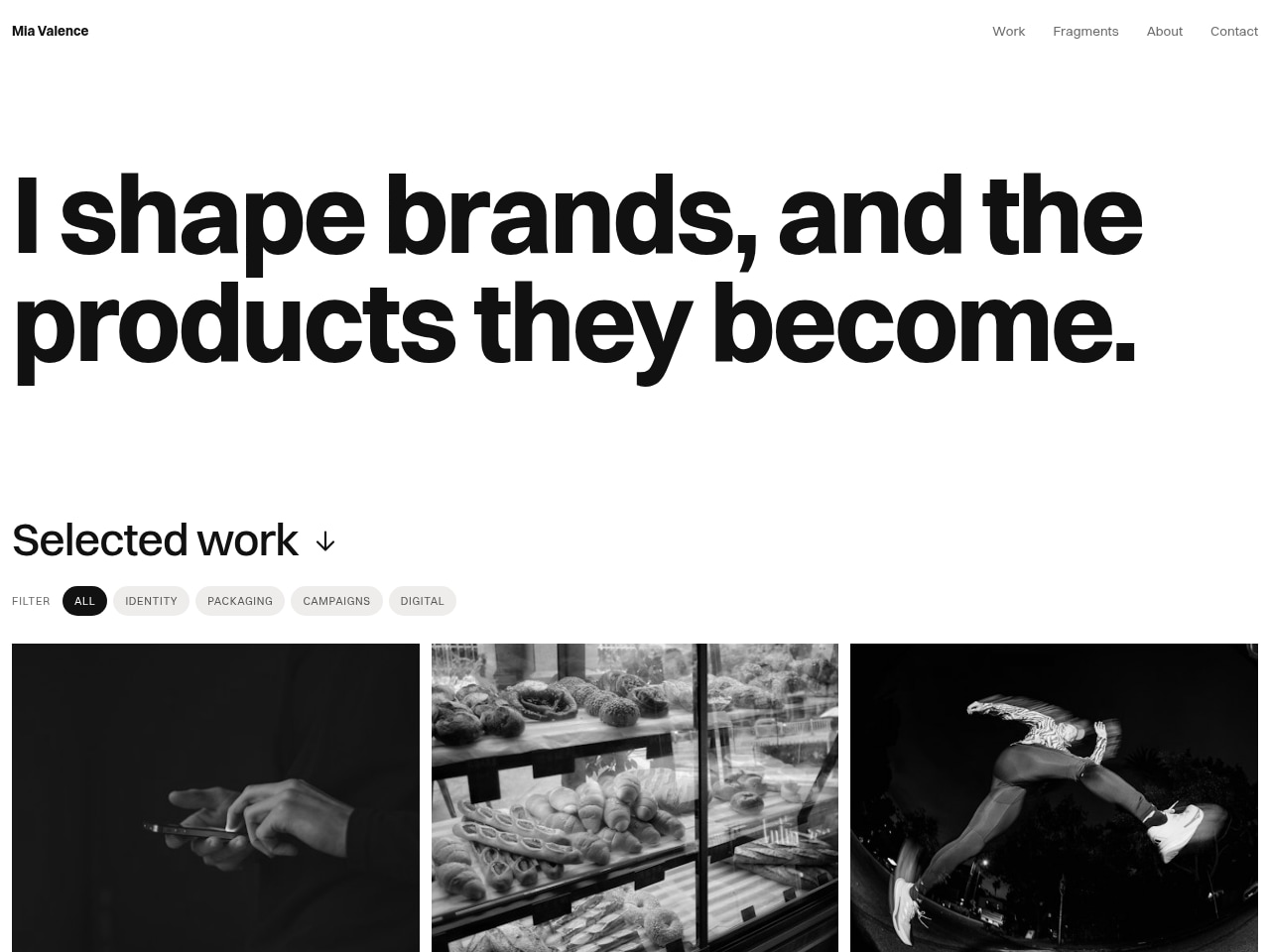
Turn an existing single-page portfolio into a reusable template: the user provides the current portfolio project and their own replacement content (designer name, headline, projects, images, stats, contact and social links, project destination URLs). The result is a configurable portfolio that keeps the original page structure, layouts, styling, filters, gallery, contact form, and interactions, plus setup instructions and desktop and mobile verification.
More in Web Design
Build a Product Review Section
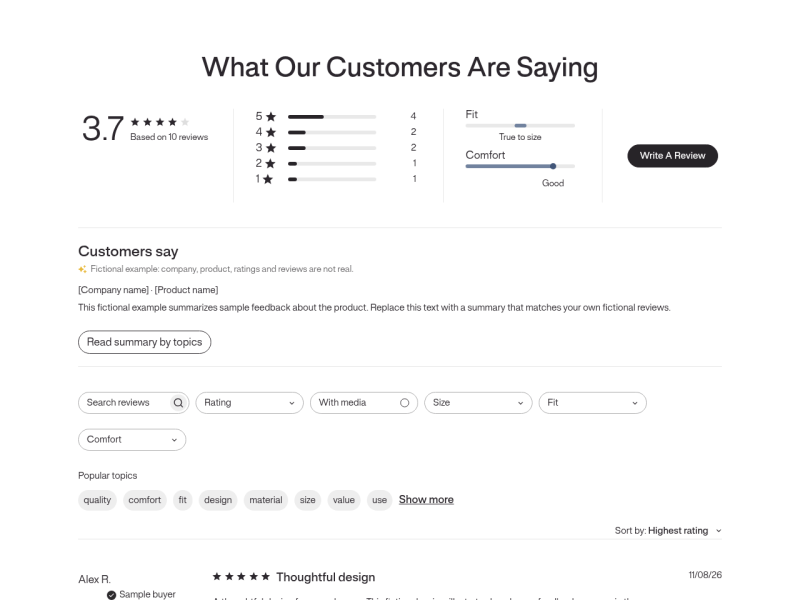
Give the user's existing project or page a reusable product review section with editable placeholders for company name, product name, summary, rating breakdown, and sample reviews. The user provides the current review section (or describes the layout to keep) and the fictional company and product details to use; the result is a responsive review section that keeps the original layout, styling, and interactions, with all example content clearly marked as fictional and the review form kept as a preview.
Build a product setup guide
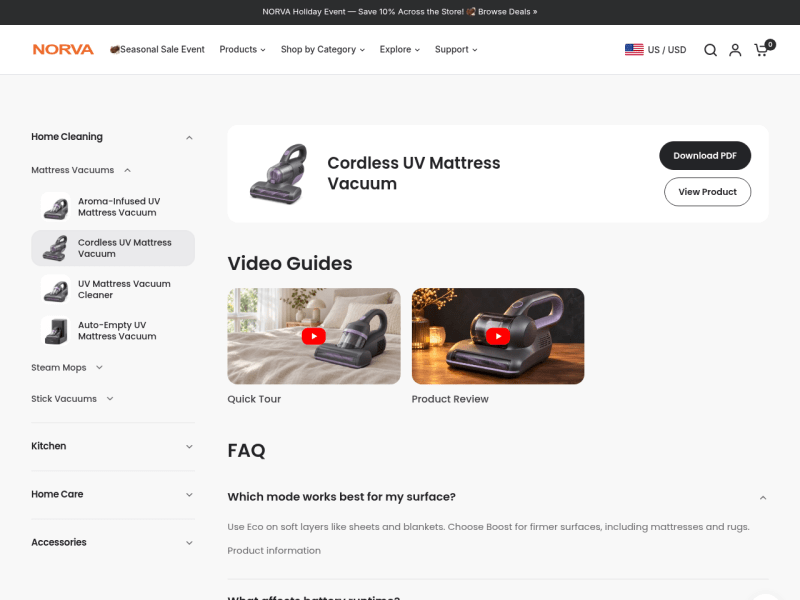
Turn an existing single-page product setup guide into a reusable, brand-configurable Maker playbook. The user provides brand details, product categories and models, manuals, videos, FAQs, and contact/navigation content; the result is an editable guide that keeps the original desktop and mobile layout, product sidebar, mobile picker, FAQ, video dialogs, sticky behavior, and back-to-top control, with demo assets clearly marked for replacement.
Course Business Landing Page
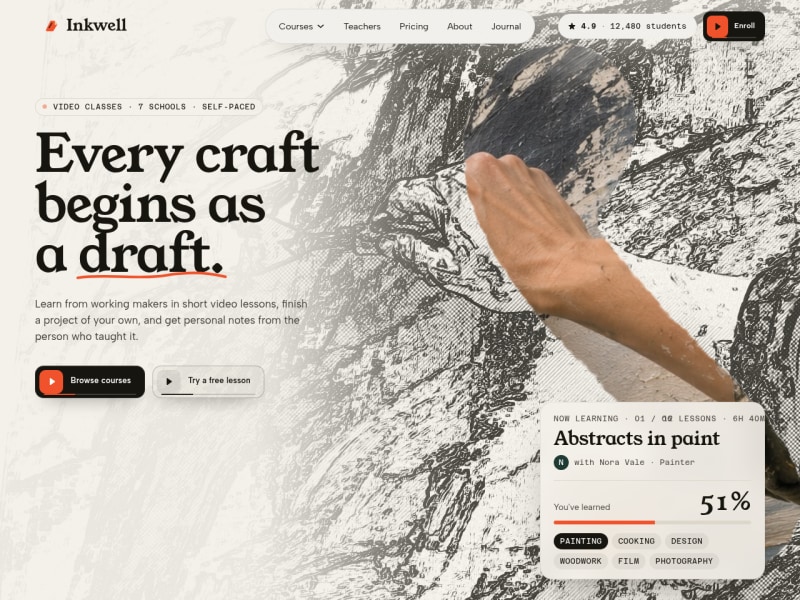
Give Maker a reference landing page project for a course business and the new business's content (brand name, logo, copy, images, courses, teachers, lesson previews, testimonials, pricing, FAQs, contact details). Receive a generated project that keeps the reference layout, dimensions, spacing, responsive behavior, and interactions, with the new content swapped in and sample content clearly labeled. Optional external links and forms stay in preview mode until a destination is supplied.