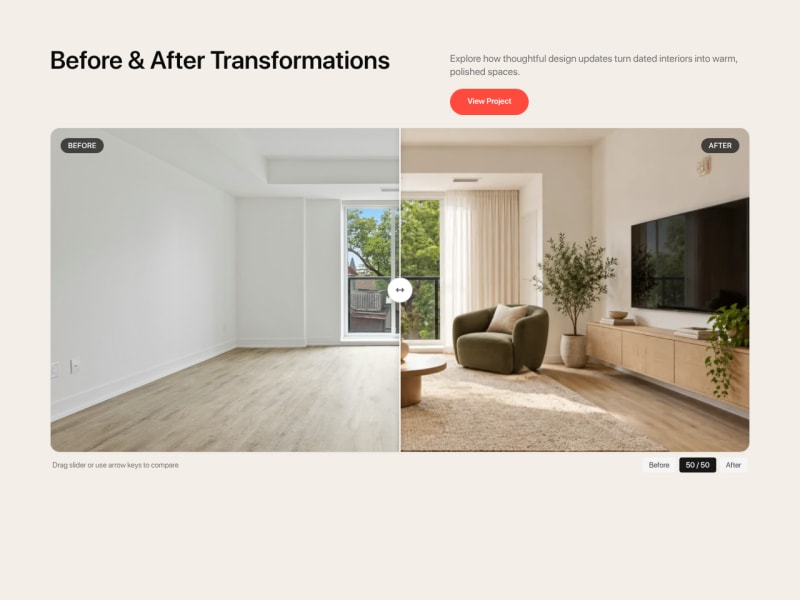
Playbooks
Choose a guided AI playbook for page makeovers, landing pages, product page content, new sections, audits and more. Maker will ask what it needs and create the result with you.

Add a focused modal dialog
Share the message or action you need to present to get a responsive dialog with a clear next step and easy dismissal.

Add a notification inbox
Share your app page and notification examples to get a compact inbox where users can read, dismiss and open updates.

Add a readable scrolling announcement banner
Share your announcements and links and get a scrolling banner with readable messages, pause controls and dismissal.

Add a scrolling client logo carousel
Share approved client or partner logos and get a smoothly scrolling credibility strip that remains readable and easy to pause.
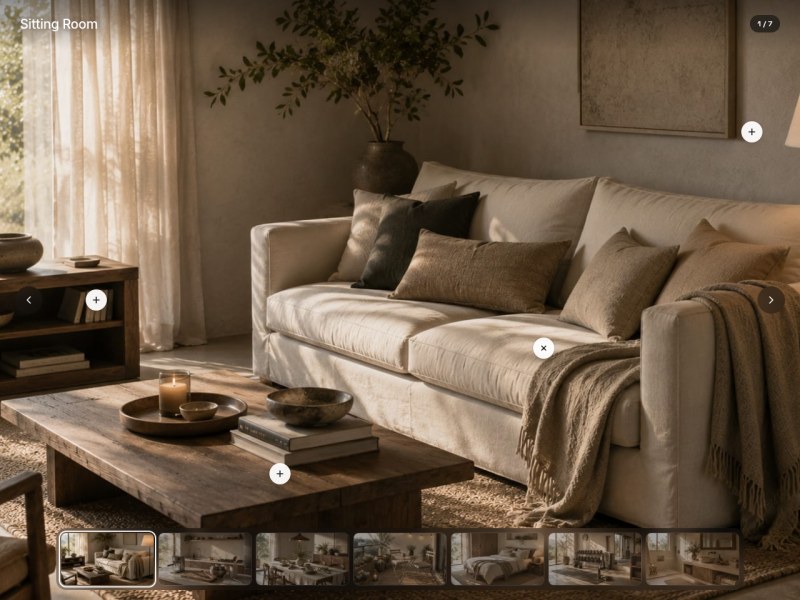
Add clickable details to an image
Share an image and the details you want to highlight to get touch-friendly hotspots that reveal useful explanations.

Answer customer questions with an FAQ section
Share your product information and common questions and get an expandable FAQ that answers concerns with source-backed details and useful links.

Answer objections with expandable FAQ cards
Share your product questions and verified answers to get searchable FAQ cards that help visitors resolve doubts quickly.

Answer product questions with a clear FAQ
Share a product URL and verified policies to get concise expandable answers with matching structured data for your product page.
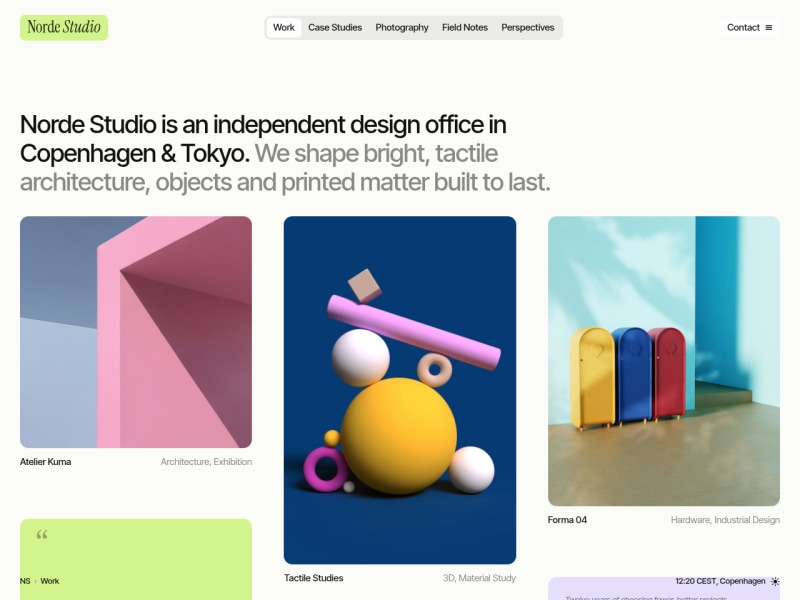
Arrange mixed content in a masonry grid
Share your images and content items and get a responsive masonry section with filters, progressive loading and full-size image viewing.

Break a long form into clear steps
Share your form fields and submission destination to get a guided form with progress, validation and browser-local draft recovery.

Build a product recommendation quiz
Share your products and who they suit to get a short quiz that explains its recommendations and can be retaken.

Build a useful website footer
Share your website and key links and get an organized footer with navigation, contact details and the supporting information visitors need.
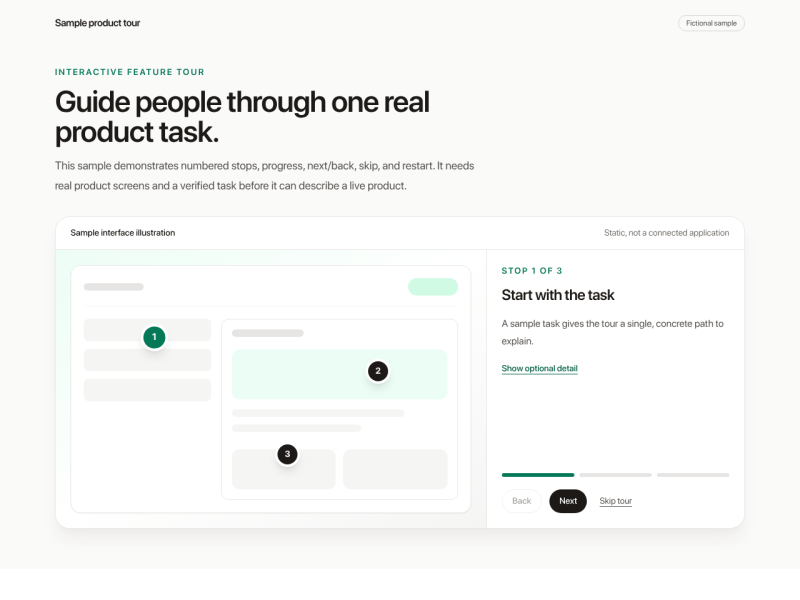
Build an interactive product feature tour
Share your product screenshots and feature details and get a guided tour showing how the main features help users finish a task.

Calculate cost savings for your customers
Share your solution pricing and savings assumptions and get an interactive section comparing current costs with monthly and annual savings.

Collect feedback with a short survey popup
Share your research question and survey destination and get a dismissible popup that invites visitors to answer a short, focused survey.

Compare your product with competitors
Share your product and competitor pages and get a sourced comparison section that makes the meaningful differences clear.

Connect customer problems to your solutions
Share your product page and customer pain points and get a section showing how specific features address each problem.

Create a hero that explains your offer
Share your website or offer and get a focused hero section that tells visitors what they gain and gives them one clear next step.

Explain your process in clear steps
Share how your service or product works and get a numbered process section that makes the journey from starting to finishing easy to understand.

Explain your product’s main benefits
Share your product page and get a benefits section that explains why its specific advantages matter to your customers.

Help buyers estimate return on investment
Share your solution costs and value assumptions and get an interactive ROI section showing estimated net benefit across a chosen period.

Help visitors browse your categories
Share your category names and links and get a clear navigation grid that helps visitors reach the right content quickly.

Help visitors find your business locations
Share your location details and get a responsive directory with addresses, hours, contact links and directions for each branch.

Highlight your company’s key statistics
Share verified company metrics and get a concise statistics section with clear labels, context and subtle count-up animation.
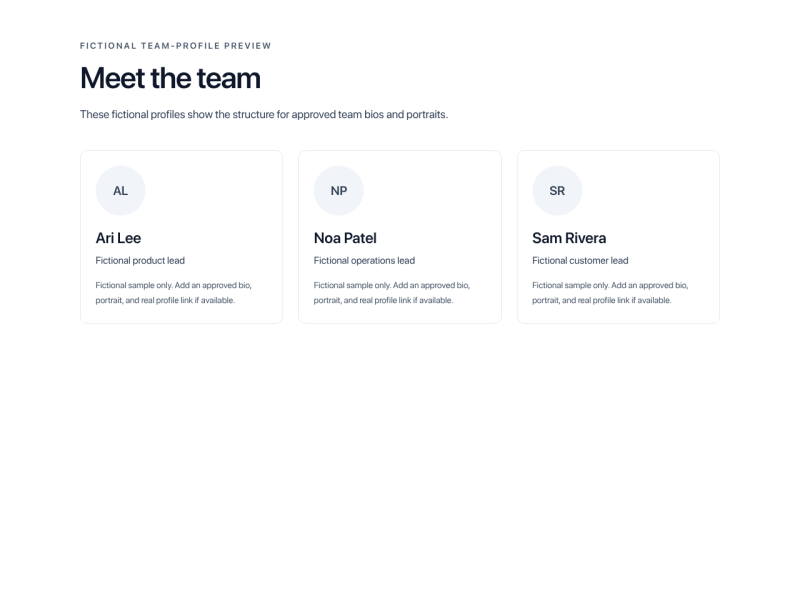
Introduce your team with personal profiles
Share approved team bios and photos and get a responsive team section with clear roles, useful background and real profile links.

Invite visitors to subscribe to your newsletter
Share your newsletter promise and signup destination and get a focused subscription section explaining what readers will receive.

Invite visitors to your newsletter
Share your newsletter promise and signup destination to get a mobile-friendly popup that explains the value and respects dismissal.

Let customers calculate their price
Share your pricing rules and get an interactive estimate section with editable options and a transparent cost breakdown.

Let shoppers zoom product photos
Share high-resolution product photos to get an interactive gallery that lets shoppers inspect details on desktop and mobile.

Make long option lists easier to use
Share your options and what selecting one should do to get a compact dropdown with clear labels and keyboard access.
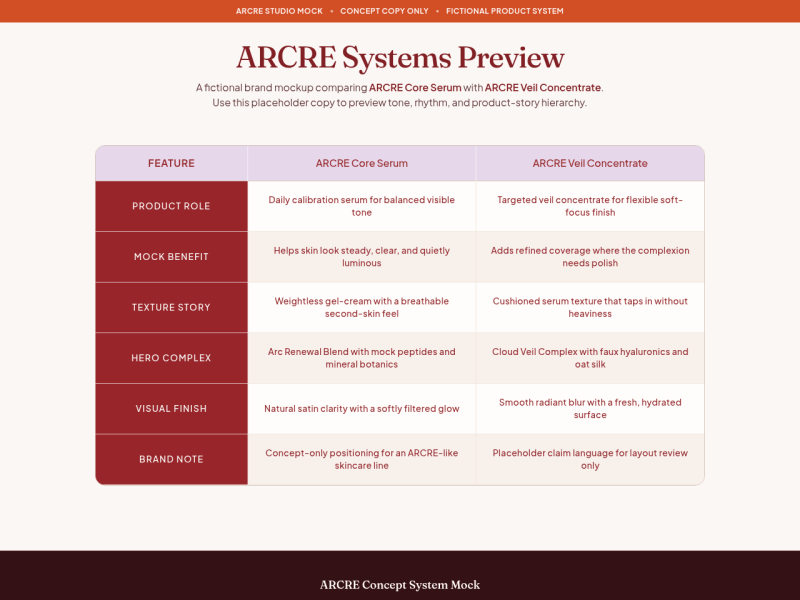
Make options easy to compare
Share your options and feature details and get a comparison table that helps visitors choose based on the differences that matter.

Make your main action clear
Share the action visitors should take and its destination to get a prominent button with clear wording and appropriate interaction states.

Offer leaving visitors a reason to stay
Share your page and a real offer to get a dismissible exit popup that gives visitors one clear next step.

Offer useful content through an email unlock
Share your downloadable content and existing signup-and-delivery flow and get a clear preview section that leads visitors to the real unlock process.
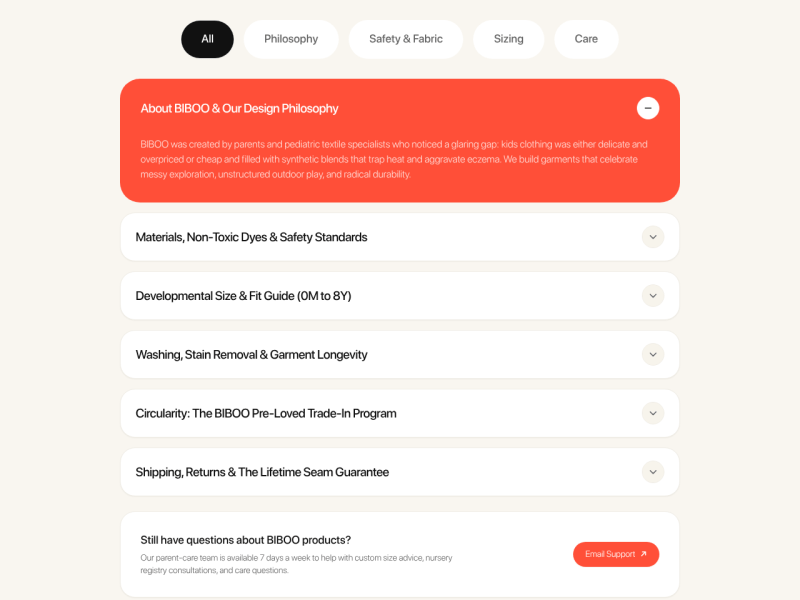
Organize long content into an accordion
Share your page content to get labeled expandable sections that help visitors find the information they need.
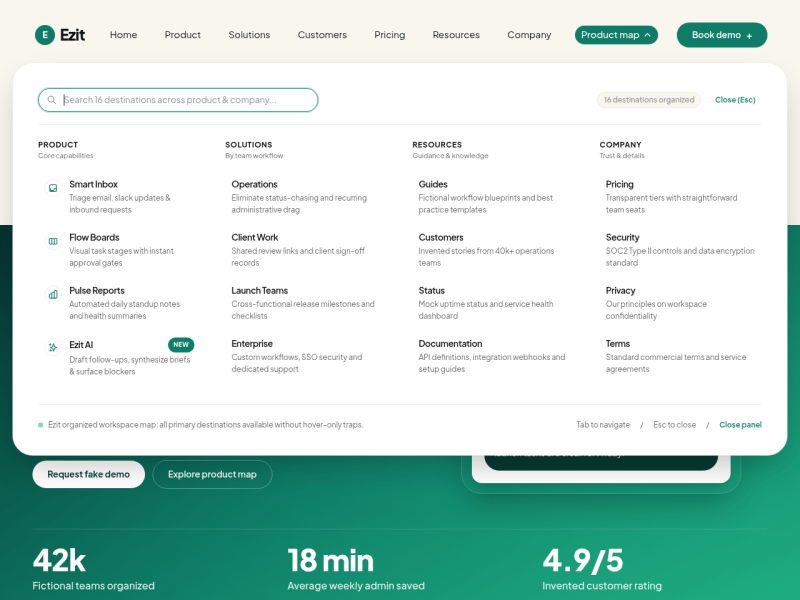
Organize navigation with a mega menu
Share your site links and main categories to get a responsive navigation menu that makes a large catalogue easier to browse.

Organize related content with tabs
Share the content groups on your page to get keyboard-friendly tabs that make related information easy to switch between.

Pair your message with a supporting image
Share a message and supporting image and get a balanced text-and-image section with a clear headline and next action.

Present client success metrics with context
Share documented client results and get a section showing before-and-after metrics, timeframes and links to the supporting stories.

Present content in scannable cards
Share your products, articles or services to get a responsive card grid that makes each item and its next action easy to understand.

Promote an offer with a clear banner
Share your offer details and destination and get a promotional banner that states the value, terms and next action clearly.